Get the light right
Recover available detail in bright skies and deep shadows. Use curves and individual color controls to finish the edit.
RAW DEVELOPMENT photolulu.Download free
Make your iPhone and camera RAWs look their best in a fast, focused Mac editor.
Precise light, color and detail controls. No monthly bill.
Drag in your RAWs, adjust the sliders and see your changes as you work.
No catalog to set up. No import workflow to learn.
Built for Apple Silicon. GPU-powered previews keep everyday adjustments responsive. Your photos are processed right on your Mac.
The controls you came for. Exposure, color, curves and detail in one workspace. Open it after a month away and pick up where you left off.
One photo or a whole trip. Get one edit right, copy it to the rest and export your set. Your originals stay untouched.
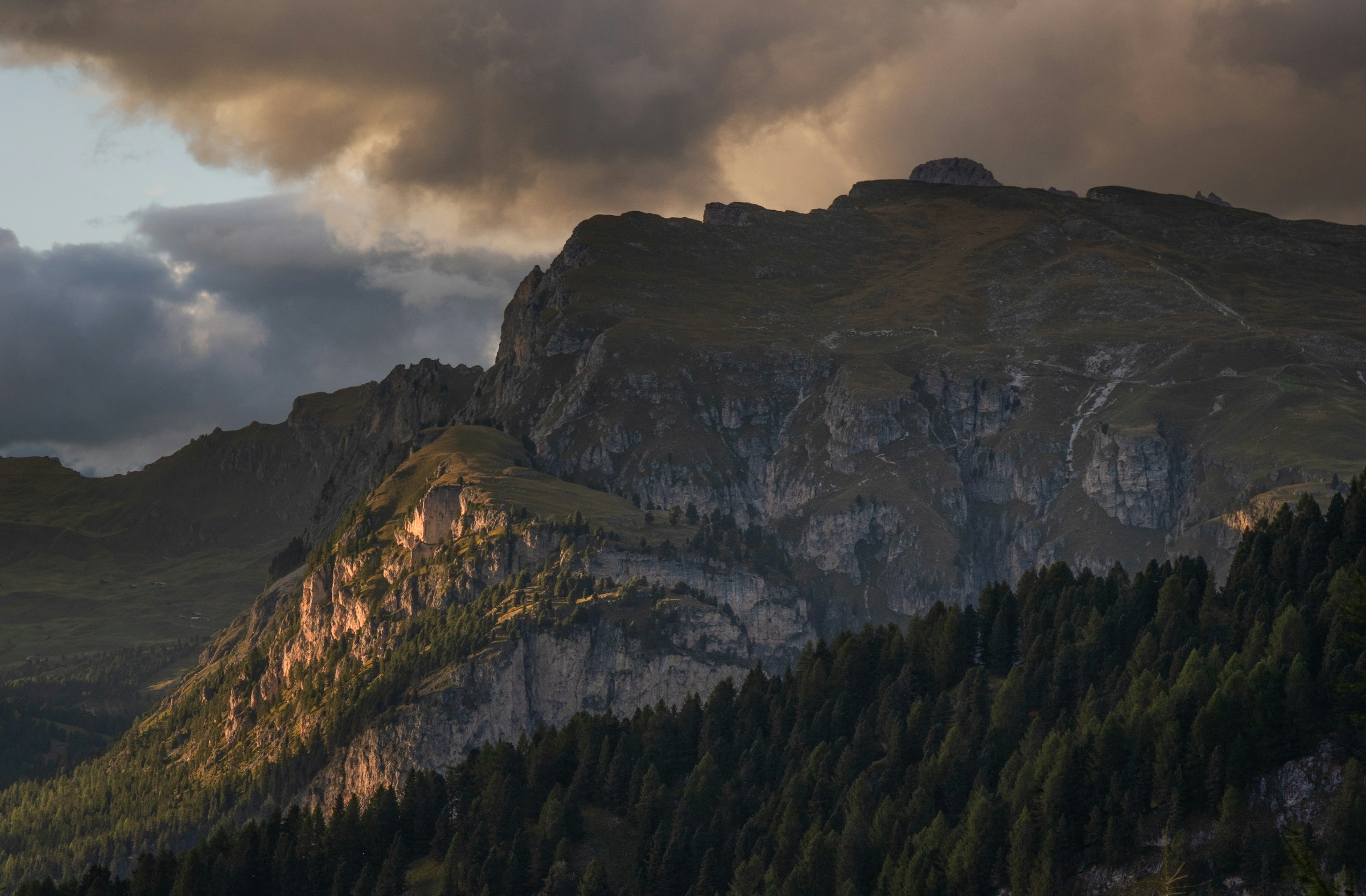
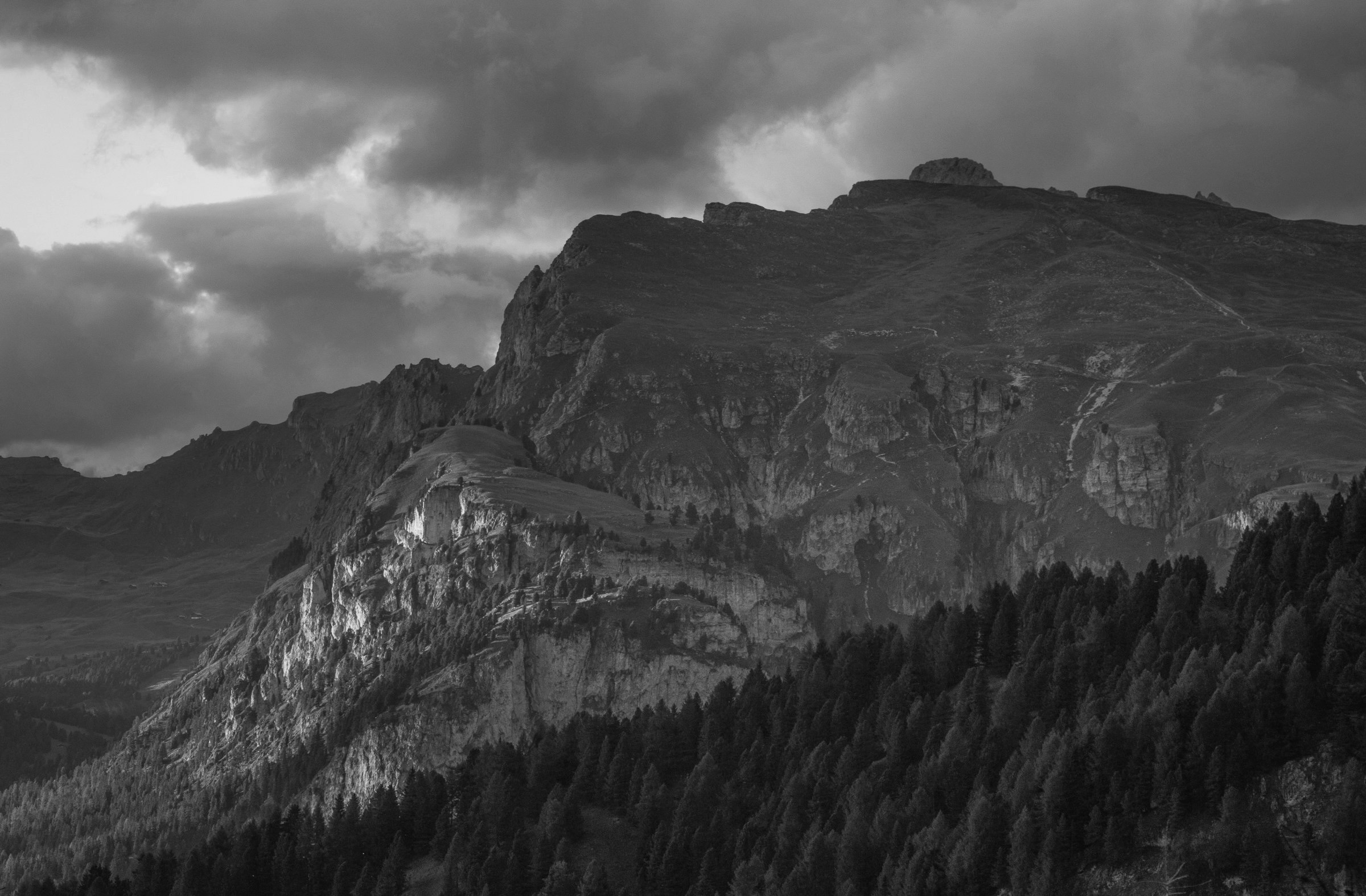
Lift the shadows, balance the highlights and fine-tune the color. Compare the original with two actual Photolulu exports.
JPEG source. Color and black & white edited in Photolulu.View full-size image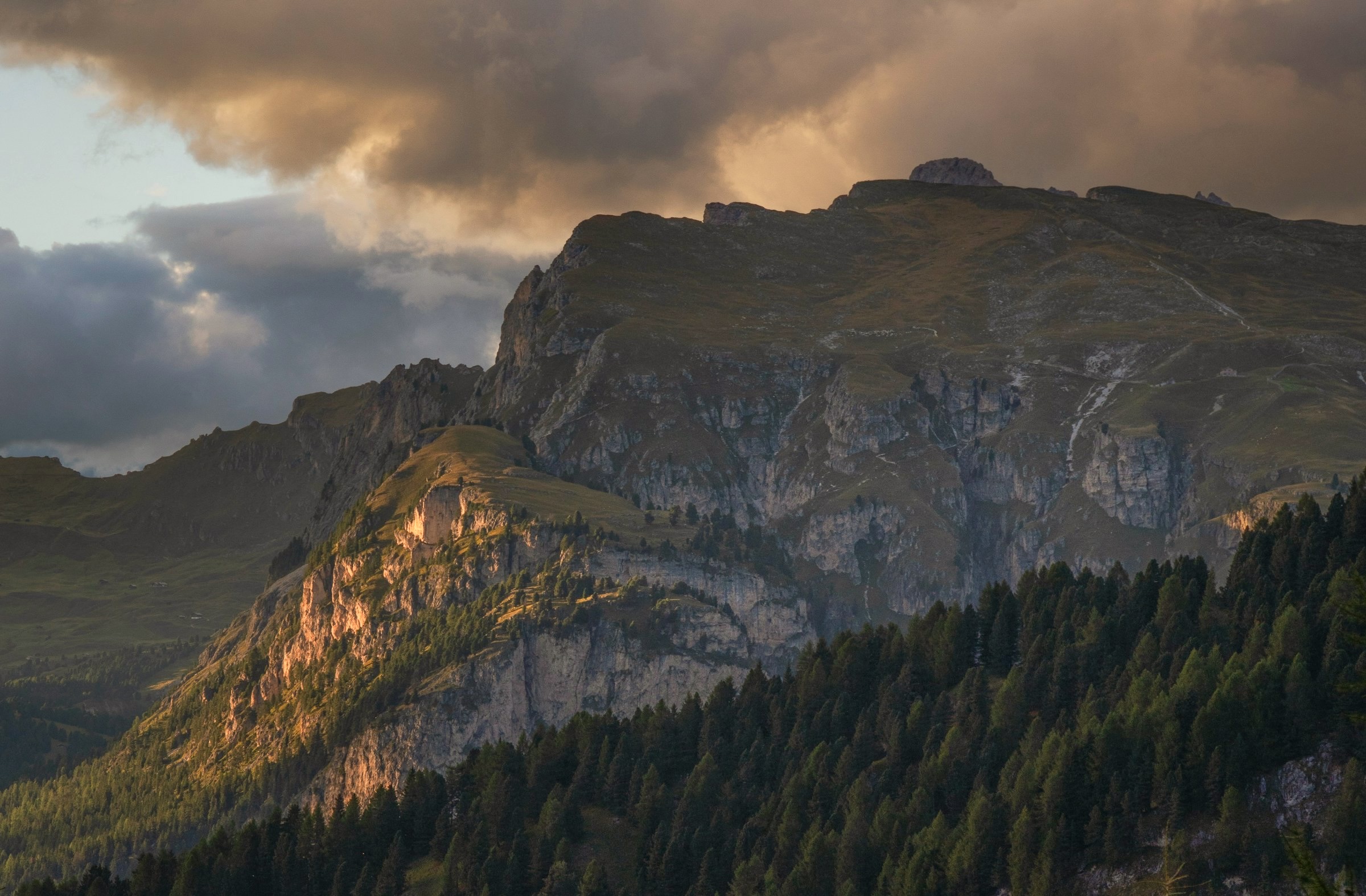
For the photos you care about,
whenever you take them.
Recover available detail in bright skies and deep shadows. Use curves and individual color controls to finish the edit.
RAW DEVELOPMENTAdjust noise reduction and sharpening. Zoom to 100% to check the texture, then export a full-resolution JPEG.
FULL-RESOLUTION DETAILSave a look as a preset, sync it across your photos and export them together. Spend less time repeating the same edit.
PRESETS & BATCH EXPORTTry another edit, save a version and compare. Your originals stay intact, and your photos stay on your Mac.
LOCAL, NON-DESTRUCTIVE EDITINGFREE FOREVER. NO SUBSCRIPTION.That trip, that sunset, that folder you keep putting off. Start with one photo.
Download the free Mac betaSigned with Developer ID and notarized by Apple. Installation guide
Yes. Photolulu is free and will stay free. No subscription, no trial countdown and no account to create. Use it every day or just after your next trip.
People who shoot RAW and want a focused editor for light, color and detail. If Lightroom or Photoshop feels like more software than you need, try developing a few of your own photos in Photolulu.
This beta requires Apple Silicon (M1 or later) and macOS 27 or later. There is no version for Intel Macs, iPhone or iPad yet. You can edit photos taken on your iPhone using the Mac app.
Yes. Photolulu opens Apple ProRAW/DNG, camera RAW formats including Sony ARW, plus JPEG and HEIC. Compatibility depends on the camera model and file compression. Try your own files in the free beta.
Everyday adjustments use GPU-powered previews. Opening a RAW and the first noise-reduction pass take longer, depending on your Mac and file. The Detail noise-reduction mode prioritizes quality and can take substantially longer than ordinary edits.
No. Editing and export happen on your Mac. Adjustments are saved separately and exports create new files. There are no accounts or cloud uploads. macOS may download an Apple model the first time you use certain noise-reduction methods.
The Mac App Store version is in preparation. For now, download the beta here. The download is signed with Developer ID and notarized by Apple.